Apps & software

Websites and mobile apps
Internal business systems

Before development starts on a customer database, approval workflow or mobile app, we clarify who will use it and what data it needs to handle. We then find a development company or independent developer on the platform to take on the work, and follow it through testing and handover.

Systems & applications

Common kinds of development work

Websites & applications

Start with the pages and what users need to do
Website & mobile app
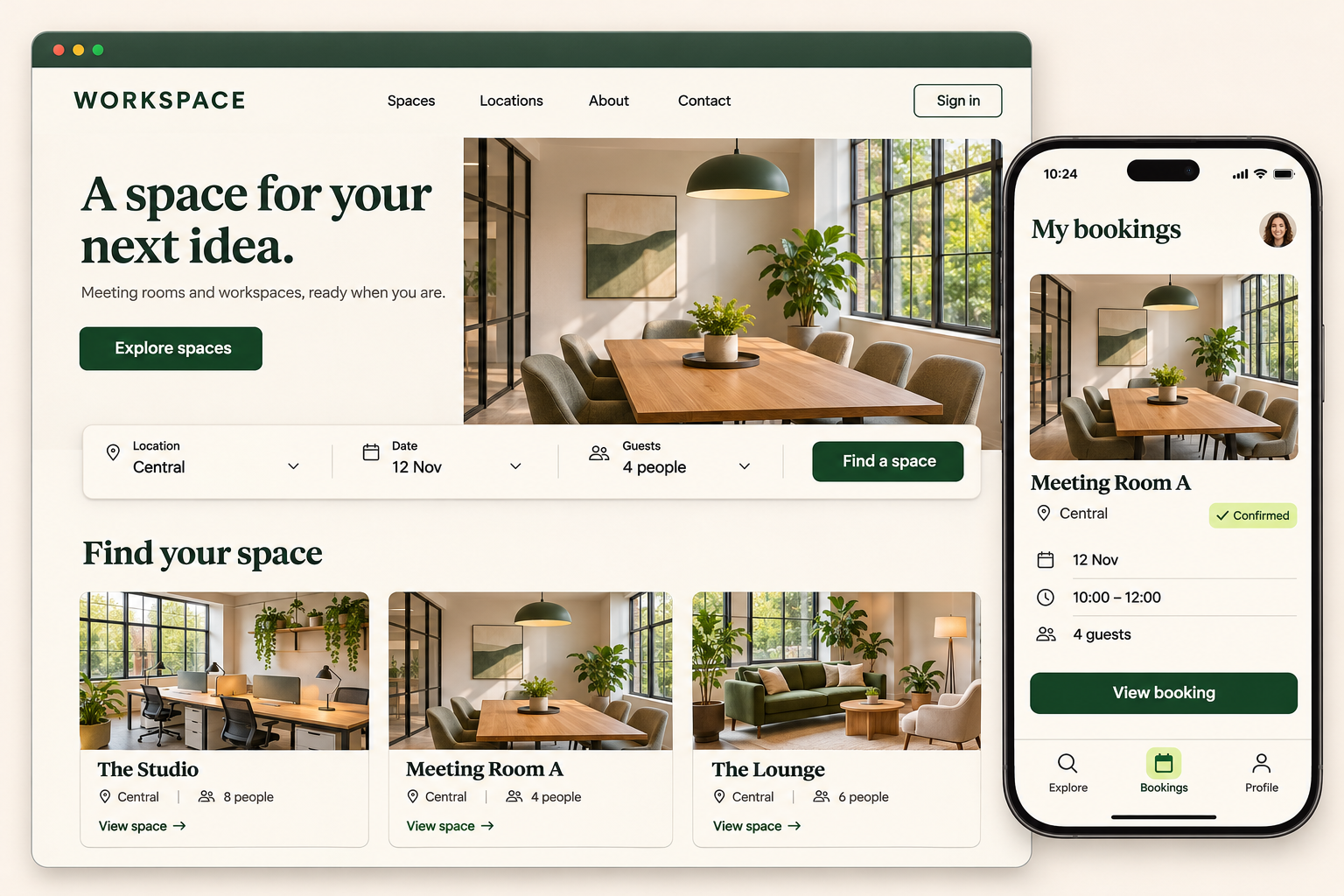
Website and mobile application demonstration with workspace listings, booking and reservation details

For company websites, app interfaces and admin panels, we review the required pages, user actions and data management needs. We then look for developers or a team with experience in the technology the project needs.

Typical work
  • Websites & app interfaces

    Turning designs into web pages, or making an existing interface easier to use. The interactions and back-end connections get written down too.

  • Mobile apps

    Tell us what people will do once they open the app. We then look for developers who suit the platform, the technology and your launch date.

  • Back office & data

    For accounts and permissions, databases, APIs and business logic, we first look at your current systems and where the data comes from and goes to.
CRM systems

Open a customer record and see where you left off

CRM workspace
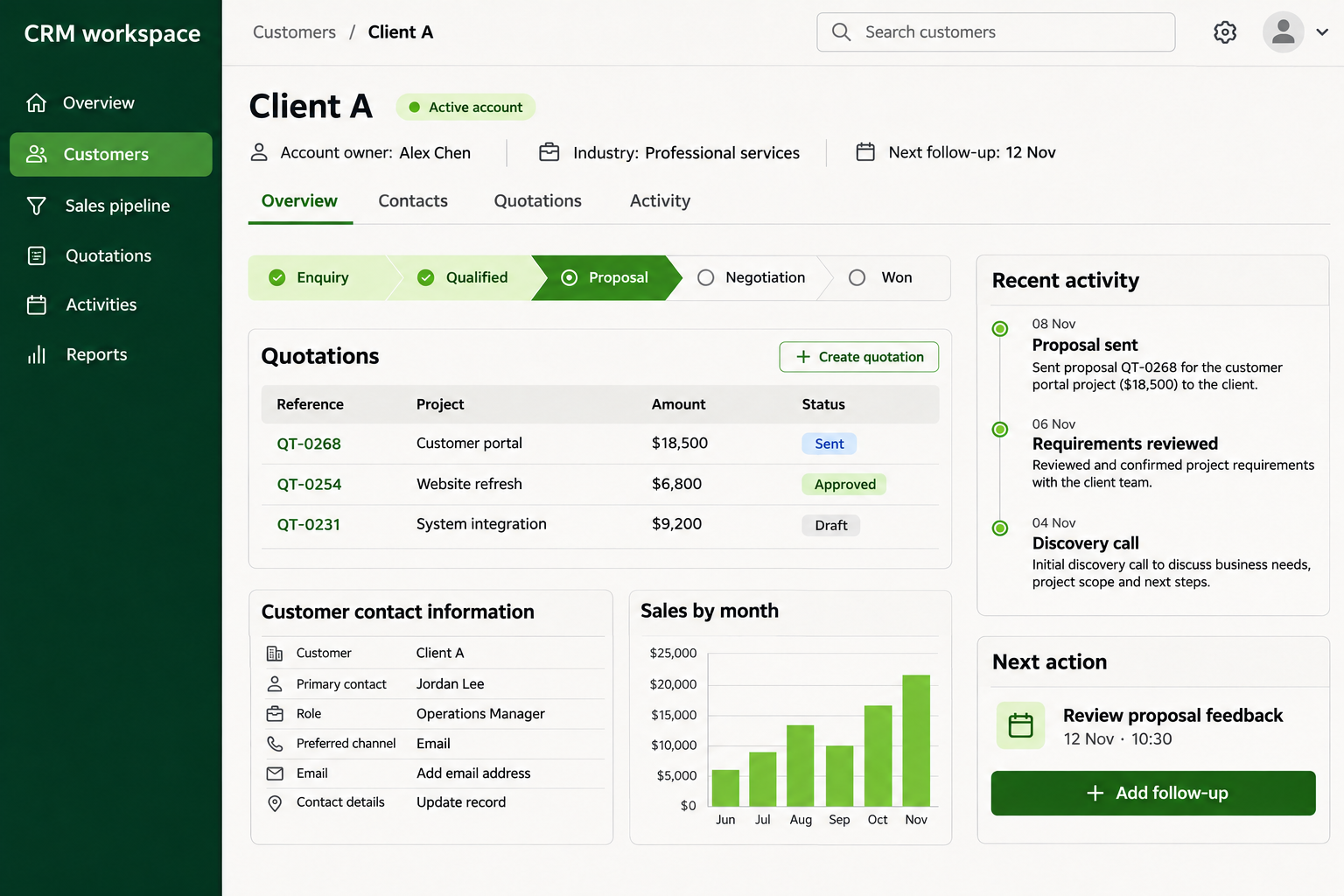
CRM demonstration showing customer records, quotations, sales stages and follow-up activities

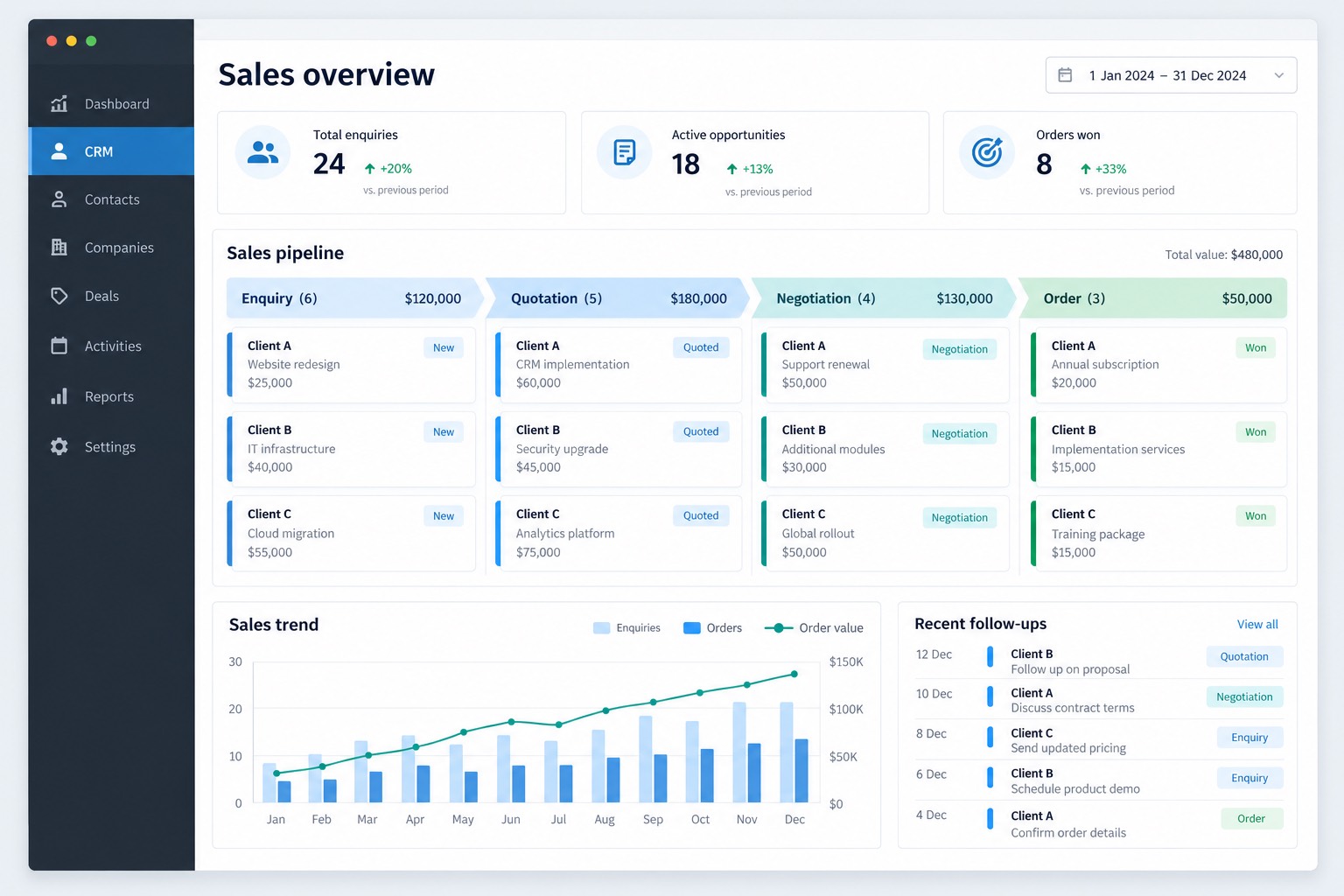
Customer details, enquiries, quotes and follow-up notes sit in one system. When a colleague takes over an account, they can see what’s been discussed and when the next follow-up is due.

Typical features
  • Customers and contacts

    Companies, contacts and correspondence, with access set by what each colleague looks after.

  • Enquiries and quotations

    Quote versions and related documents for each enquiry are kept under the same record.

  • Sales follow-ups

    Record the owner, next follow-up date and latest progress, so someone new can pick up where things were left.

Office workflows

See where each request stands

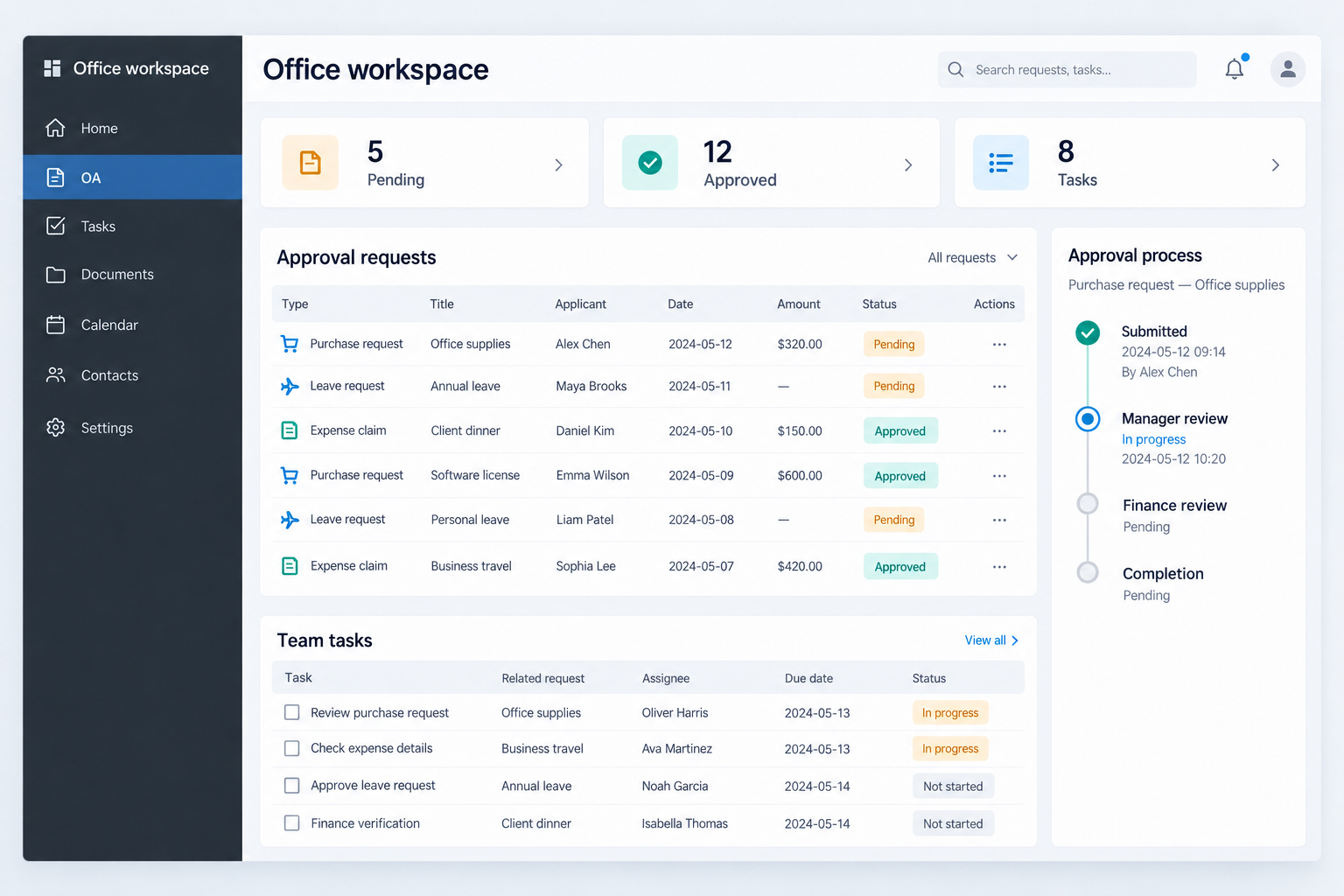
For internal approvals, assigning work and passing documents around. Staff can check in the system who is handling something and how far it has got, without asking around.

Typical features
  • Requests and approvals

    For each type of request, set the fields, who approves it and how a returned request gets corrected.

  • Task assignments

    Each task shows who owns it, when it’s due and where it’s up to, so anyone taking over can see it at a glance.

  • Document handovers

    Documents are linked to the related request or task, with a record of how each was handled.

HR systems

Staff records, with access set by role

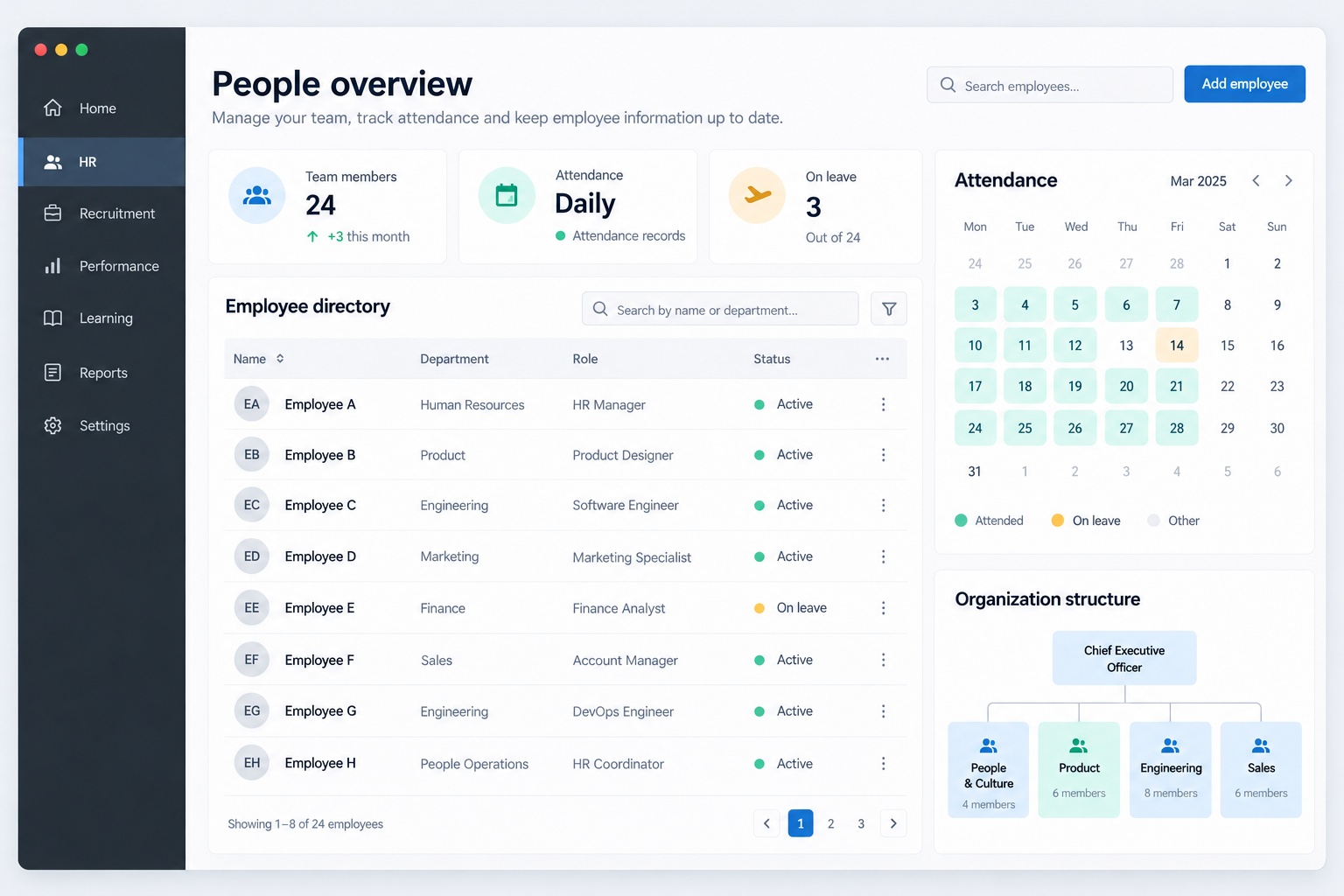
Staff files, department structure, attendance and leave records can all go into the system. Joining and leaving steps follow the way you handle them now.

Typical features
  • Employee records

    Basic details, department and job title, with separate access for staff and managers.

  • Attendance and leave

    Attendance recorded the way your company does it now, along with leave requests and lookups.

  • Joining and leaving

    List each step and who handles it, and tick them off as they’re done.

Bespoke software

Other software, built around your requirements

Project workflow

From a request to agreed handover

Client AppsCraft Delivery partner
  1. Client
    Describe your software project

    Describe the users, the problem, your existing tools and any timing or budget constraints.

    Starting pointA project brief and reference material
  2. AppsCraft
    Confirm the scope and arrange the developer

    We work through the requirements and look for a suitable freelancer, specialist team or development company.

    Developer selection criteriaRelevant skills, project scope and availability
  3. All parties
    Confirm the plan before work starts

    You, AppsCraft and the delivery partner confirm the features, quotation, stages and acceptance criteria.

    Agreed in advanceScope, fees, milestones and deliverables
  4. Delivery partner
    Build, review and work through changes

    The partner develops the software. AppsCraft follows up progress, gathers your feedback and coordinates agreed changes.

    During the buildWorking versions, progress updates and review notes
  5. Client & partner
    Review the work and complete handover

    You review against the agreed scope. The partner resolves agreed issues, and AppsCraft coordinates the handover.

    As agreedFiles, source code, access and supporting documents
AppsCraft stays involved throughout

One point of contact for requirements, partner coordination, feedback, progress and handover.

Customer portals, booking platforms, specialist applications and other custom software can all start with a discussion of the intended users, required functions and existing tools.

What we work through
  • Users and required functions

    List the main tasks, screens and data, then decide what belongs in the first version.

  • The right delivery arrangement

    Choose between an individual specialist and a team based on the technical work and roles the project needs.

  • A clear review and handover plan

    Agree how work will be reviewed and which files, accounts and documents are included at the end.

Features & integrations

Extend the tools you have, or connect them

An integration example

Connect the data, define the rules

01Existing systems
  • Website or app

    Orders and form submissions

  • CRM

    Customers and follow-ups

  • Existing database

    Products and account records

02Controlled connection
API / available interfaces
  • Field mapping
  • Access permissions
  • Validation and retry rules

Only the agreed fields and actions are connected.

03Connected functions
  • Order and data sync

    Keep the agreed records aligned

  • Follow-up reminders

    Trigger the next agreed action

  • Reporting and history

    Trace changes and sync results

Before the connection goes live
  1. Review accessConfirm interfaces and permissions
  2. Map and buildImplement agreed fields and rules
  3. Test sample dataCheck duplicates and failure cases
  4. Agree rolloutConfirm release and monitoring

We start with the tools and data you have now: what can be changed, what can be added and whether there’s an interface to connect to. Then we arrange developers who have done similar work.

Typical work
  • Feature extensions

    Before changing or adding features, we look at how your team uses the tool today.

  • System connections

    If an existing system has to stay, we check what data formats and interfaces it offers before deciding how to connect it.

  • AI technology

    Adding AI tools or cutting repetitive manual work can be planned at the same time.

These are common types of work. The actual features and scope are agreed for each project.

By specialist role

Developers and companies you can work with

Full-stack software engineers

Interfaces · Back-end features · Databases

Full-stack engineers connect front-end features, back-end functions and databases. Before development starts, we confirm the features, existing technology and deliverables.

View partner types

Mobile application engineers

iOS · Android · Cross-platform apps

For prototypes, in-app features or back-end connections, we look for developers who work with your target platform, whether iOS, Android or both, and can fit your launch schedule.

View partner types

Front-end engineers

Interfaces · Interactions · Responsive layouts

Good for turning designs into working web pages or improving an existing site’s interface. Before work starts, we list the pages, interactions and back-end features it needs to connect to.

View partner types

Back-end engineers

APIs · Permissions · Data processing

Accounts and permissions, databases, APIs and business logic. We find out how data moves between your current systems, then look for back-end engineers who have done similar work.

View partner types

Enterprise systems engineers

CRM · Office workflows · HR systems

CRM, approval or HR systems. We first work out who will use it, how each step works and what data needs recording, then find a systems developer or team.

View partner types

Software development companies

Technical planning · Team roles · Staged delivery

A development company can take on projects with several modules or work that needs design, development and testing specialists to coordinate. AppsCraft agrees the scope, project stages and delivery milestones with the company.

View partner types

The Specialists page also covers ecommerce, digital advertising and AI roles.

Browse specialist roles
How it works

What AppsCraft does and what the developer does

The company or freelancer taking on your project develops the software. AppsCraft remains your contact for questions, revisions and delivery.

  • AppsCraft handlesAgrees the scope, collects the information needed and arranges the partner, then follows up questions, progress and handover
  • Partner handlesThe development company or freelancer builds it
How we work

Before we first talk

Have a think about these four questions. If you can’t answer one yet, it can wait.

  1. 01What tools and workflows do you use today?
  2. 02Who will use it, and which tasks come first?
  3. 03Do you have reference screens or a feature list?
  4. 04Roughly what budget and timing? How should it be handed over?
Project steps

How a development project usually runs

01Led by AppsCraft

Understand how you work now

We record who will use the system, what data it will handle and which tasks are most urgent, then turn this into a development brief.

You explain how things work now
02Led by AppsCraft

Arrange the developer

Based on the features, technology and workload, we choose between a development company and an independent developer, and agree who does what.

Company or individual, depending on the project
03Done by the partner

Build & test

The partner builds it and AppsCraft keeps track of progress. We collect any problems or changes found in testing and pass them on.

Issues and changes go through AppsCraft
04Led by AppsCraft

Handover & follow-up

The handover list is written into the scope before work starts. For a system it can include the source code or repository access, admin access, user notes and test results. We check each item at delivery and keep records for later changes or new features.

Checked against the agreed scope

Find the right partner
for your development project

Tell us what you want to build or what needs improving. We will help define the scope and find a development company or freelancer with the relevant skills.