Chasing by message
- Applicants ask each person whether it’s been approved
- Approvers may not have all the documents they need
An office workflow system can handle internal approvals, task assignments and document handovers. Staff can see who is responsible for each item and its current stage.
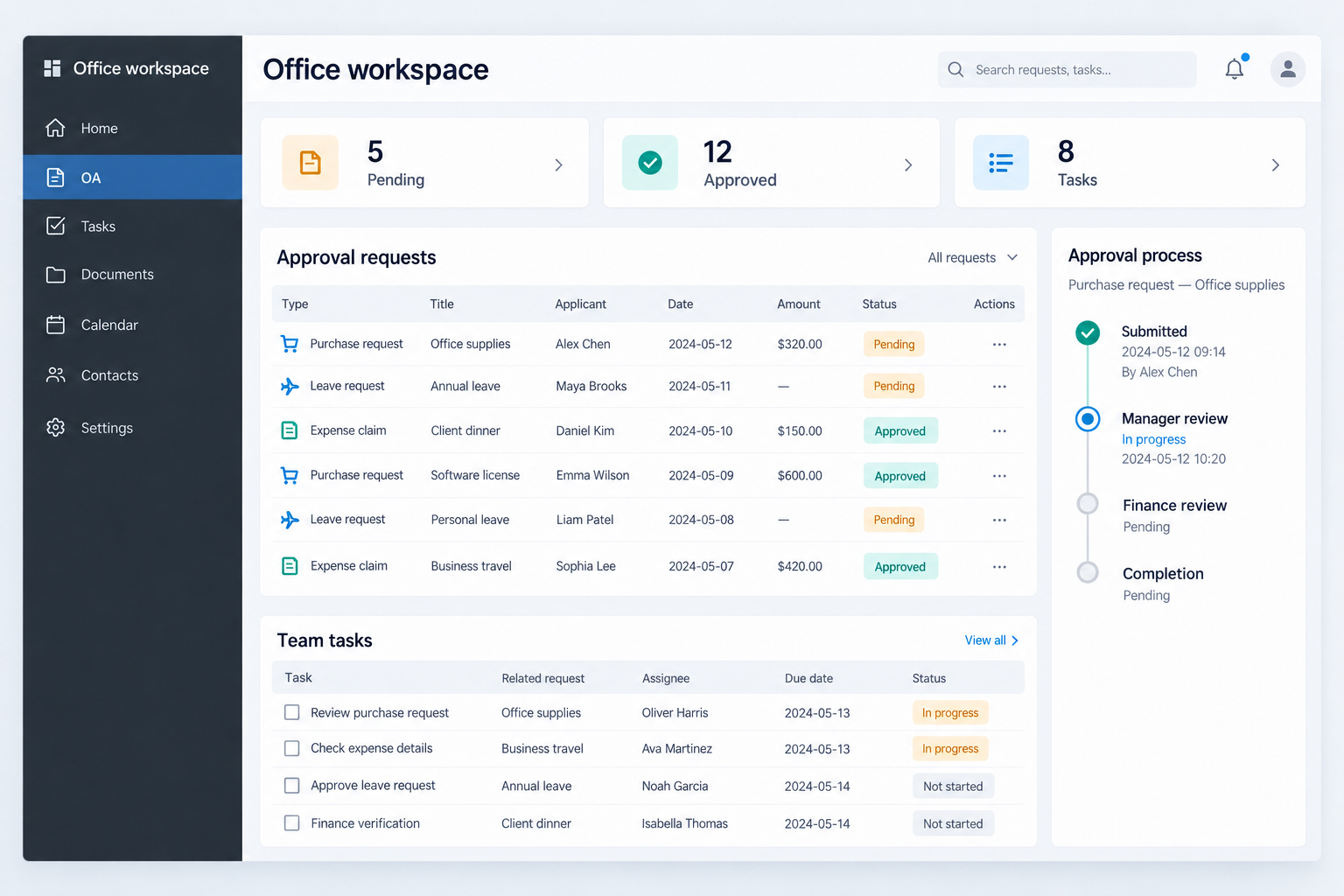
Expense claims, contracts and document sign-offs usually go through several colleagues in turn. If one person holds up a request, everyone after them waits.
How the system works depends on how your approvals run. So for each type of request, we start with four questions.
Which colleagues can submit each type of request.
Which fields to fill in, and which documents the approver needs attached.
Who approves it, and in what order if more than one person signs off.
Who gets it back after changes, and whether it starts again or picks up from the last step.
Approvers may differ by amount, department or request type. We document these rules in the brief.
With the rules settled, we discuss these features with the development company.
You don’t have to build all three. What’s included, and how much, is agreed for each project.
Each type of request, such as expense claims or contracts, gets its own fields, approvers and return route.
Each task lists the person responsible, its deadline and progress, so another colleague can take over when someone is on leave.
Files sit under the request or task they belong to, and the handling history is kept for when you need to check it.
The most useful things are the request forms you use now and the places where things usually get stuck. We decide which features come first once we’ve seen those.
If you have time, write down each type of request against the four questions above.
AppsCraft is your point of contact. The build is done by a company or developer we arrange from the platform.
You discuss the requirements with AppsCraft and pay AppsCraft. We coordinate with the contractor and follow the project through to delivery.
How we workWe take each type of request through the four questions above and note how it works today.
We bring in a development company or independent developer, hand over the approval rules and agree how forms, reminders and other features should work.
The partner does the development. During testing you can run a real request through it. Tell us about any problems and we follow up the changes and progress with the partner.
We check what’s delivered against the handover list in the scope and confirm what happens next. Records are kept, which helps if you later change a rule, add a request type or hand the system over.
Pick the one you use most, such as expense claims, and note who handles it and how it gets signed off. Bring that page and we can get started.